Make the clock yours
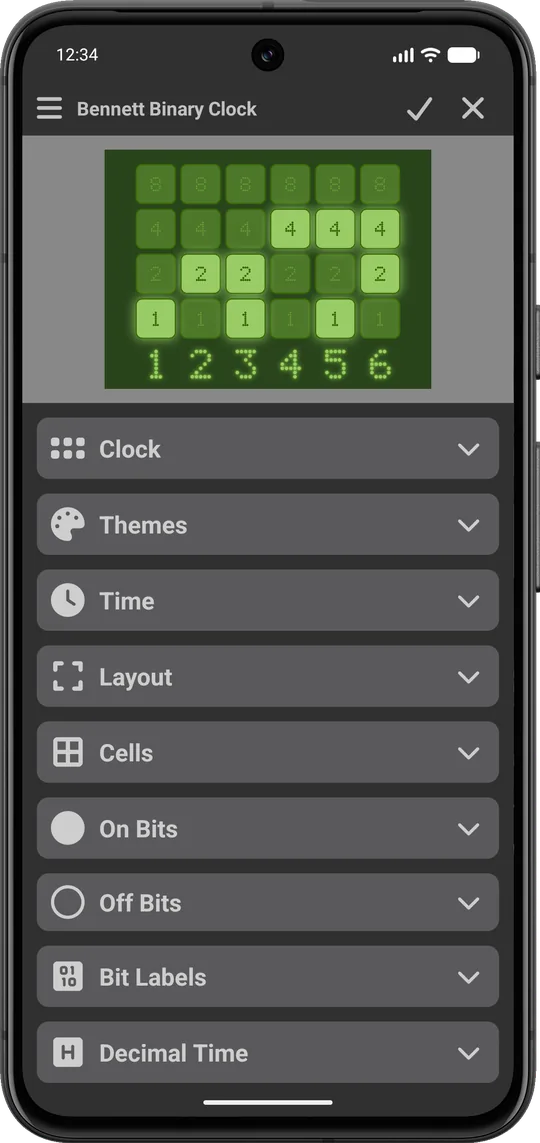
Every part of Bennett Binary Clock can be customized: the cells, colors, fonts, labels, and even what happens when you tap it.
Multiple widgets, separate settings
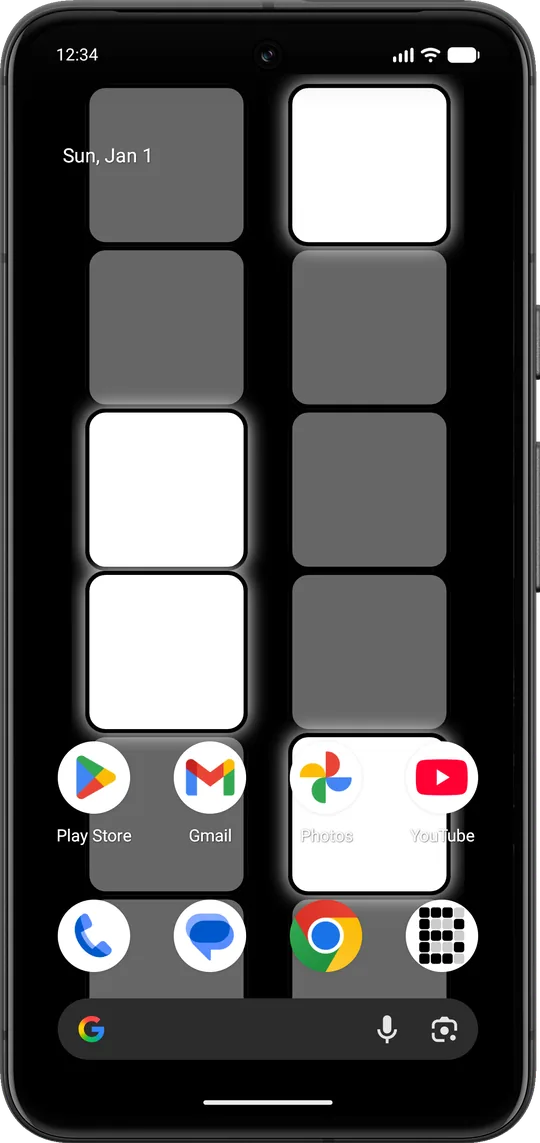
Put multiple binary clocks right on your home screens, as many as you want. Each widget keeps its own theme, colors, and layout.
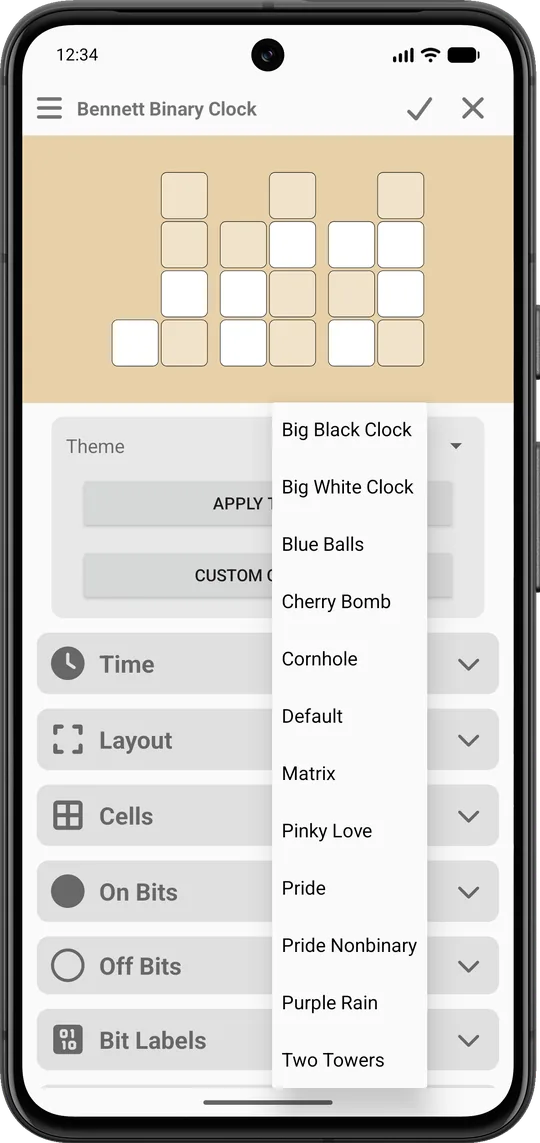
Built-in themes
Start from themes like Matrix, Big Black Clock, Cherry Bomb, Pinky Love and Pride, then customize them to suit you. Import and export your themes to save them or share them across devices and with your fellow nerdy friends.
Custom cell colors
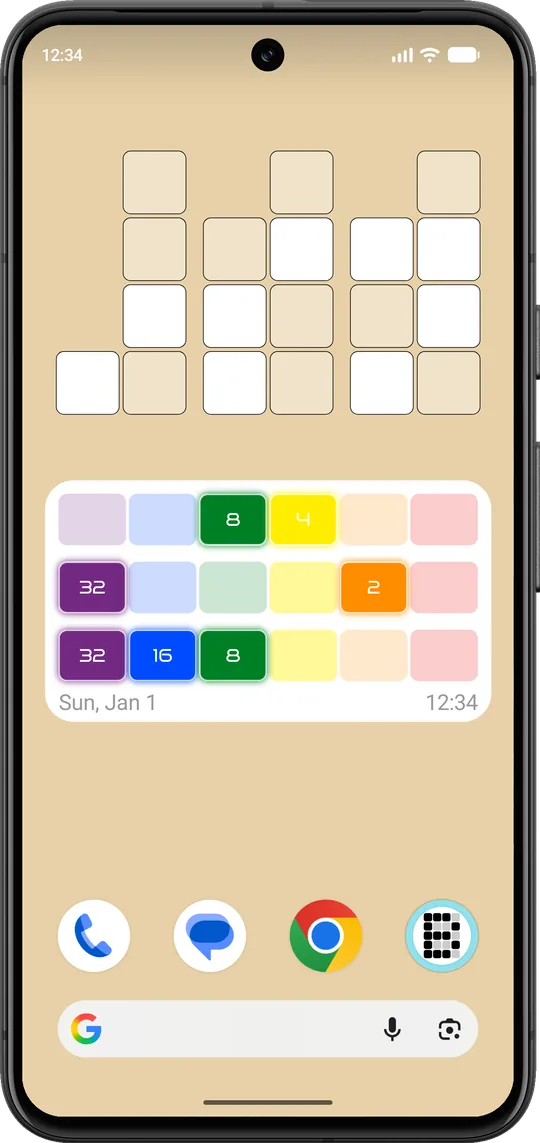
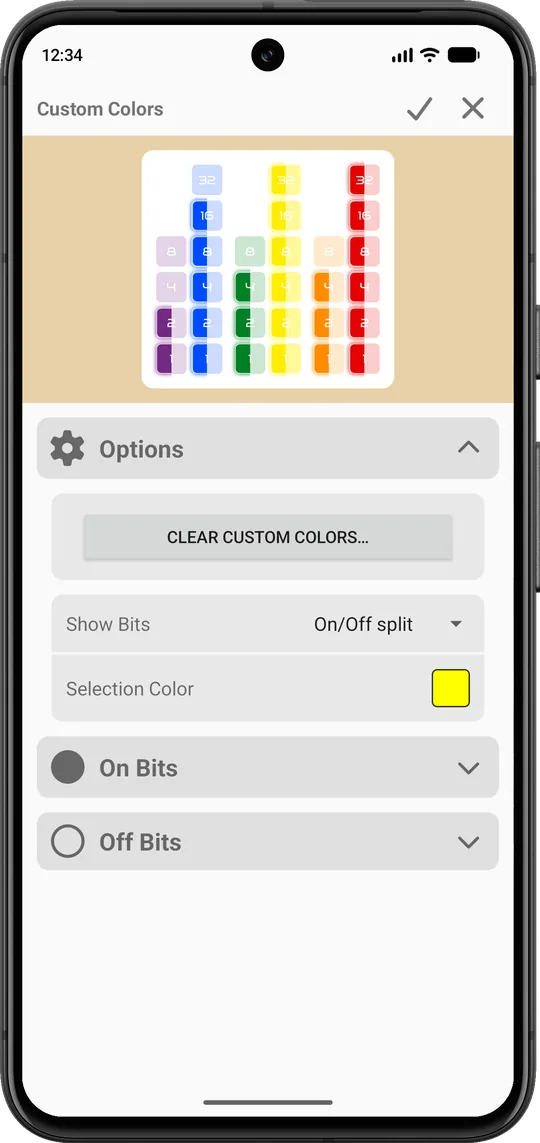
Change the on/off color, outline, and glow of any single cell or multiple cells simultaneously to create a binary clock that is completely yours. Check out the built-in themes for inspiration!
Live Wallpaper
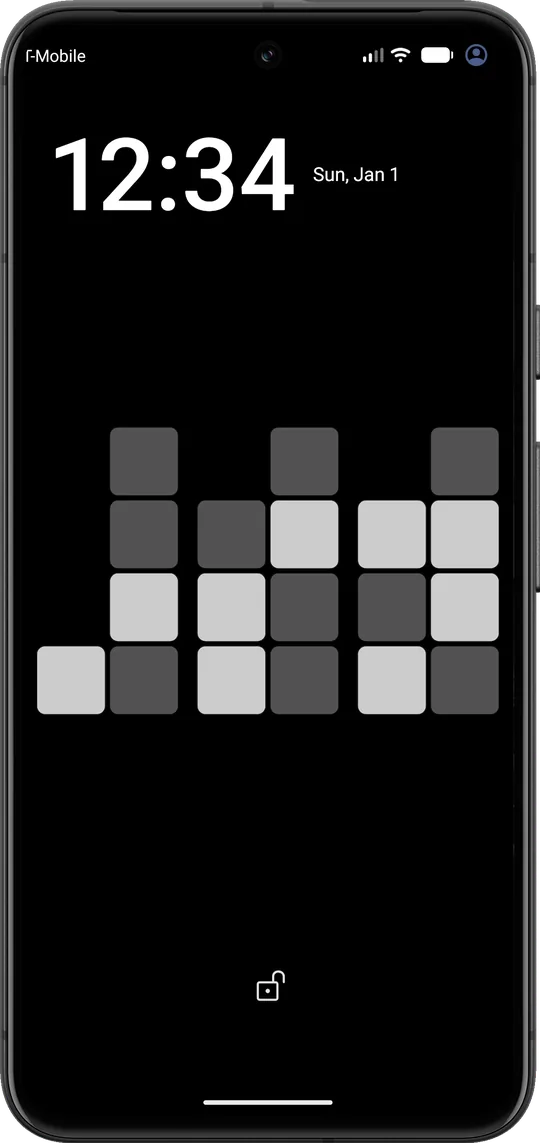
Run the clock as an animated wallpaper behind your apps. It works great as a lock screen binary clock.
Lock screen clock
On Android 14 and later, set a separate lock screen wallpaper so the binary clock is the first thing you see.
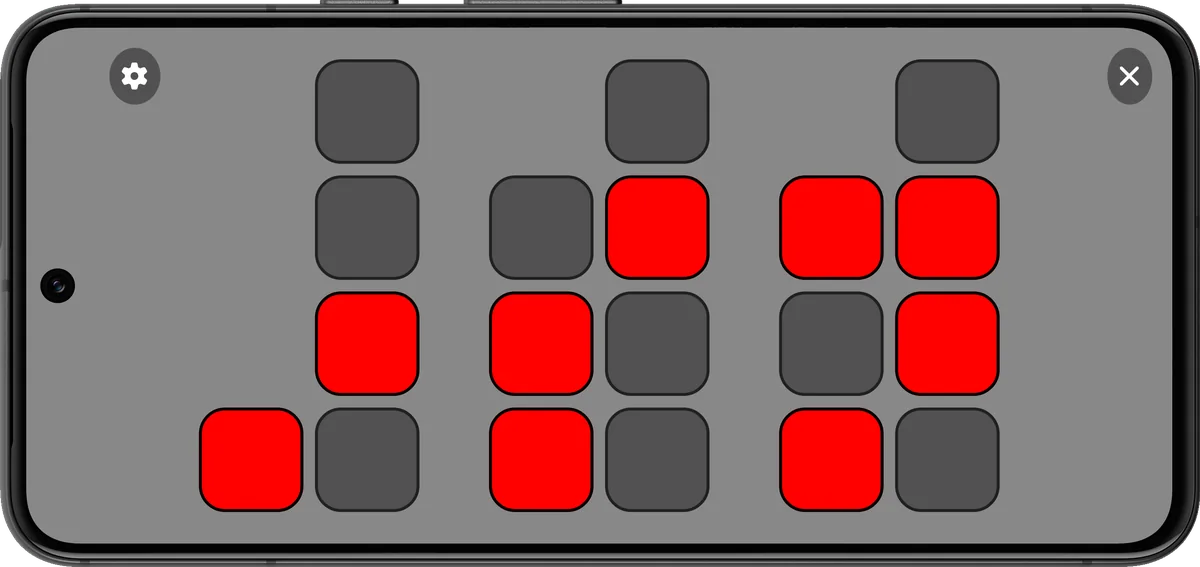
Full screen clock
An always-on full screen mode with a custom timeout turns your phone into a desk clock.
Light and dark app themes
Use light or dark colors for the app's settings screens, or follow your system setting.
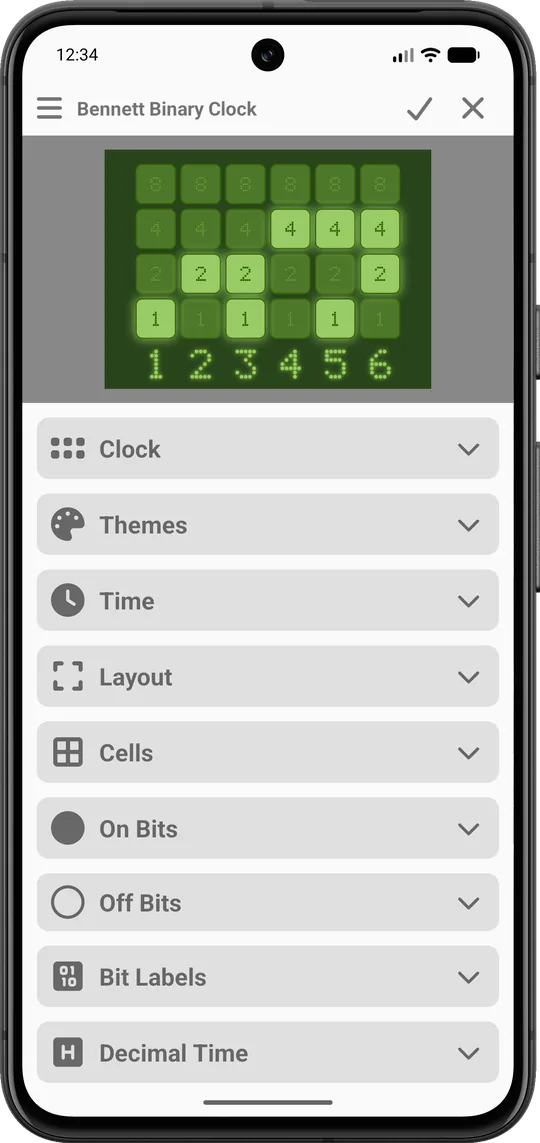
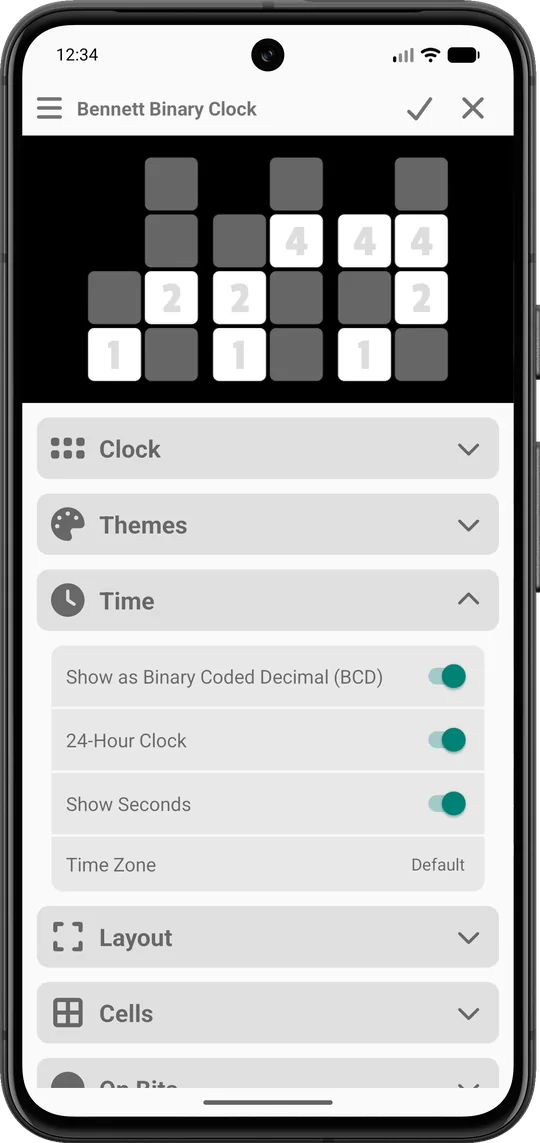
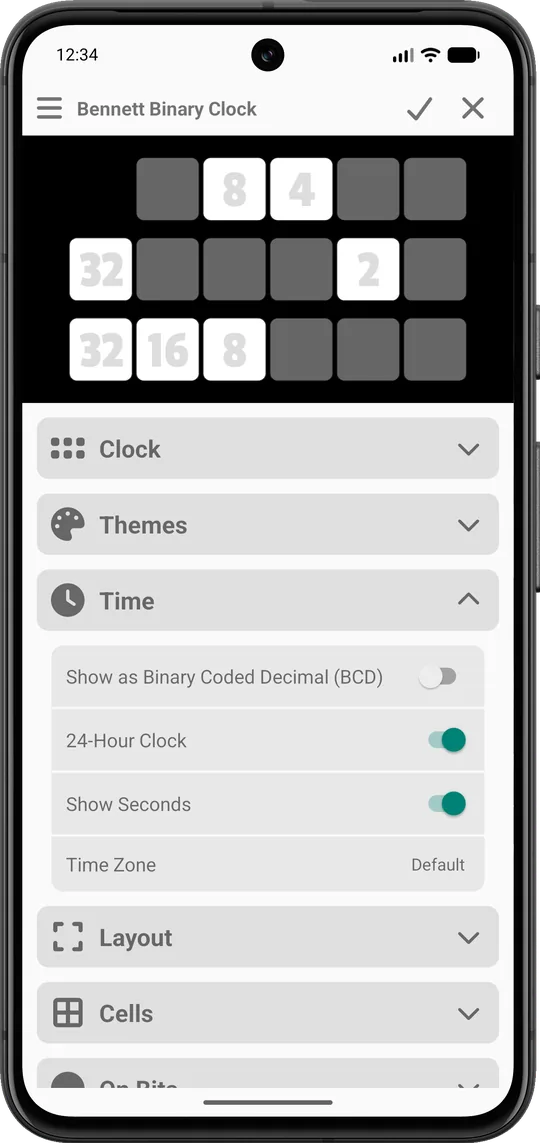
Binary-coded decimal or true binary
Use binary-coded decimal (BCD) to show each 0-9 digit in its own column. Or if you're really good, use true binary to show 0-59 in a single row/column.
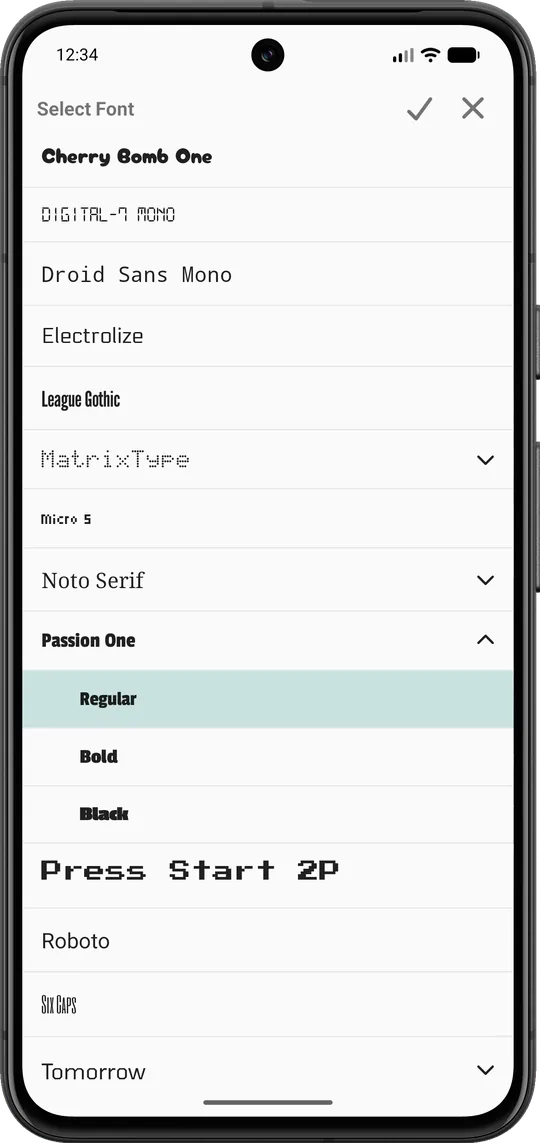
Plethora of fonts included
Bennett Binary Clock comes complete with a wide selection of fonts. Or import your own to get just the look that you want.
There's even an option force any font to be monospaced so your time doesn't jiggle.
Bit labels and decimal time
Still learning to read binary? We've got cheat codes! Show the value of each lit cell, or add the regular time underneath for the ultimate cheat.
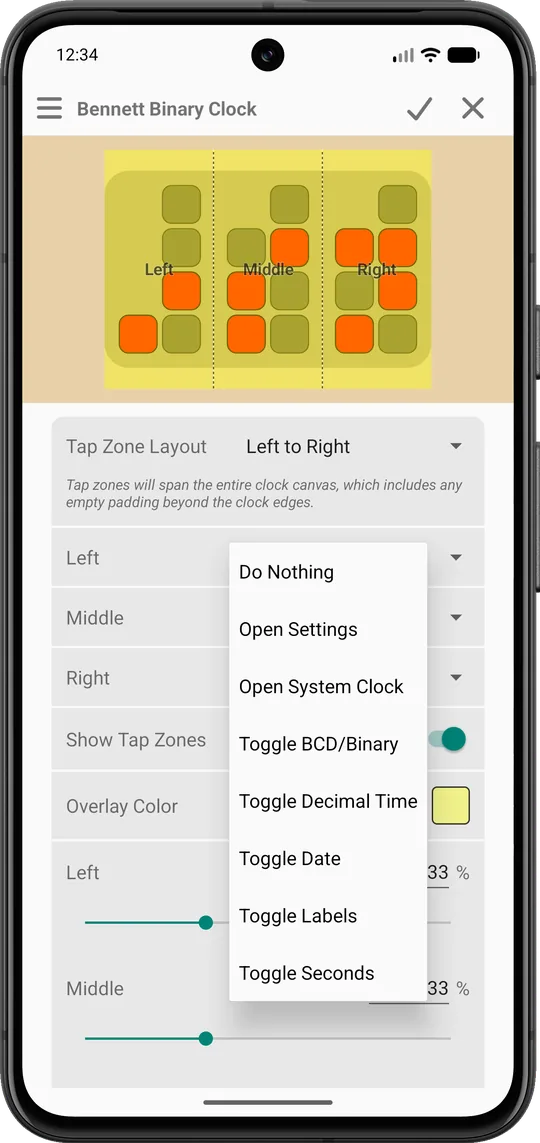
Tap zones
Tap different parts of the clock to perform an action, like toggling the seconds or time display, opening settings, or launching the system clock to quickly set alarms and timers. You decide where to tap and what it does.
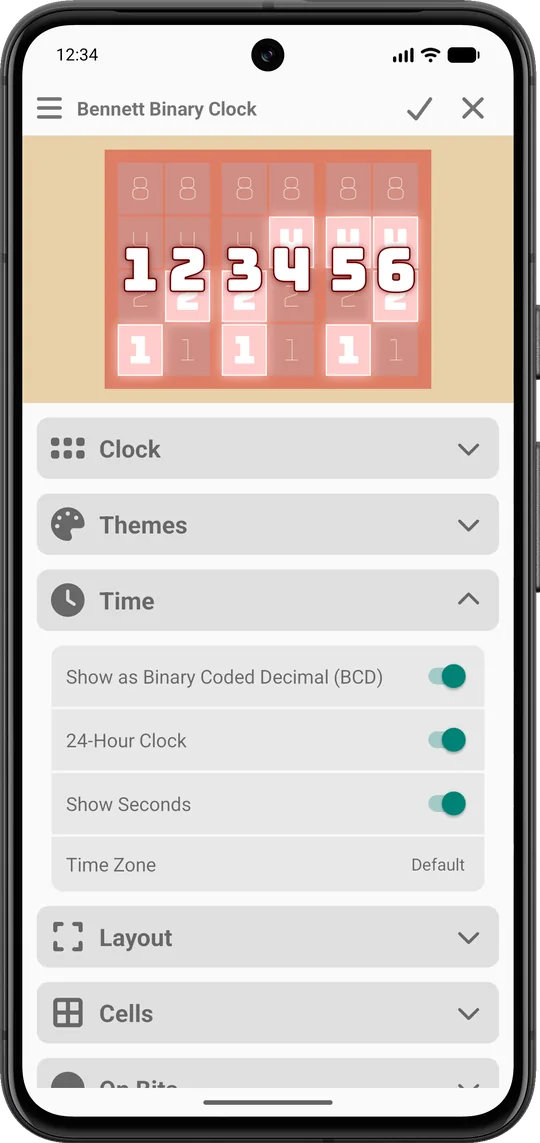
12 or 24 hour, seconds and time zones
Use 12 or 24 hour time, show or hide seconds, and set a custom time zone for each clock.
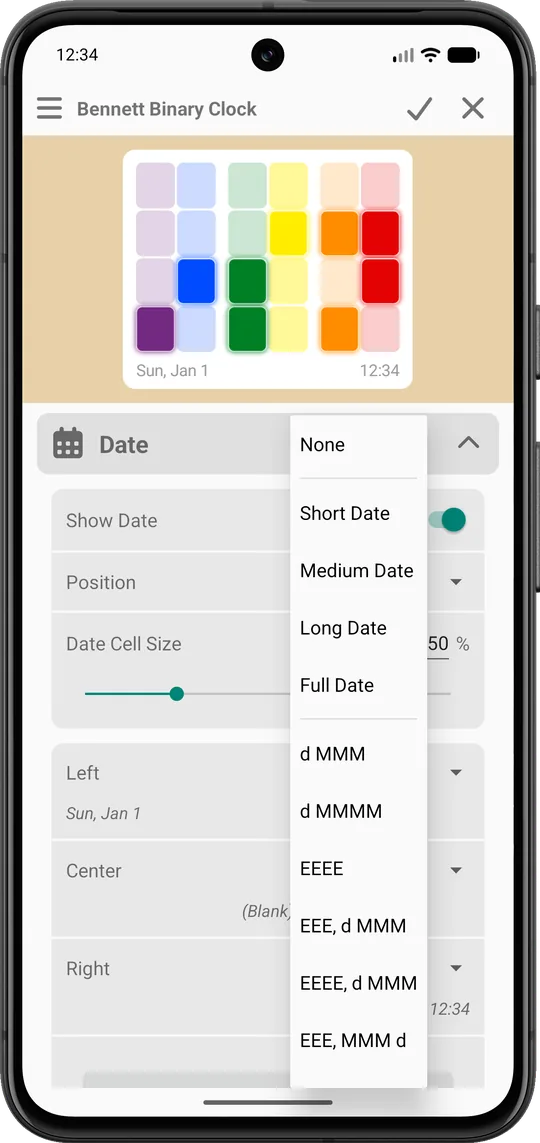
Date display
Forgot what day of the week it is? We've got you covered. Choose a date format from a long list of localized presets or create your own custom format.
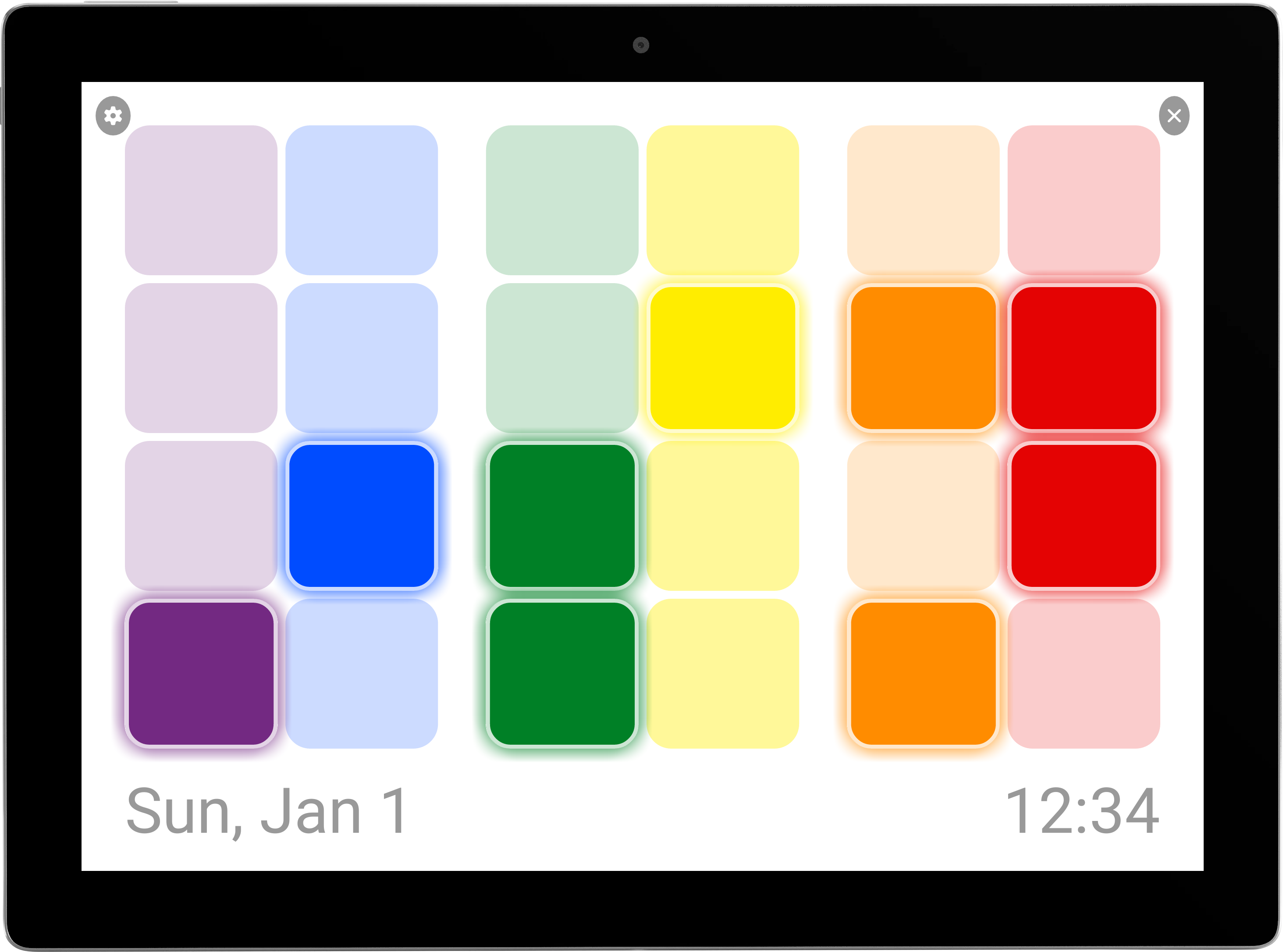
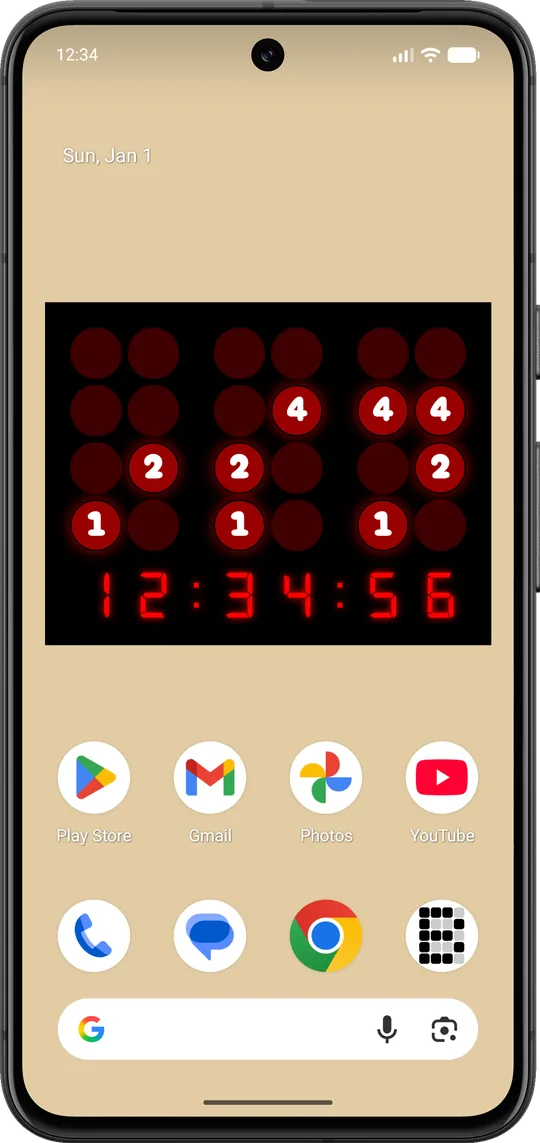
Turn your old tablet into a binary clock!
Supports Android versions as old as Android 6.0 “Marshmallow”, so pull out that old phone or tablet from the back of your closet and turn it into a binary clock. Put it on your nightstand. Use it in your kitchen as a timer. Or display it in your living room or on your office desk to flex your nerdiness to all your friends.